Word Connect
Free online word puzzle · No download · No sign-up
Word Connect in a nutshell
Word Connect gives you a circle of letters and a small crossword grid. Swipe across the letters to spell a word, and if it belongs in the grid it drops into place. Fill every word in the grid to finish the level. Real words that aren’t in the grid count as bonus words.
- Look at the letters. A circle of letters sits under the grid. Every word in the grid is made only from these letters.
- Swipe to spell a word. Put your finger or mouse on the first letter and slide through the others in order. Let go to check the word. You can also tap the letters one by one and press Enter, or type them on a keyboard.
- Fill the grid. If your word is one of the answers, its squares fill in. Letters shared with crossing words fill in too, which helps with the next word.
- Find bonus words. A real word made from the letters that isn’t in the grid is a bonus word. It is added to your bonus list.
At a glance
- Players
- 1 player at your own pace
- Length
- 1 to 5 minutes a level
- Equipment
- 4 to 7 letters and a small grid
- Learn it in
- 1 minute swipe to spell
Word Connect questions
Which words are in the grid?
Only everyday words, such as BREAD, BEAR and DARE. Every grid also has one word that uses all of the letters in the circle.
What are bonus words?
Any other word on our word list made from the letters, such as BARD from the letters of BREAD. They don’t fill the grid, but they are kept in your bonus list and counted across every level.
How do hints work?
Each hint shows one letter in the grid, in the word that is closest to done. If a hint shows the last missing letter of a word, that word counts as found. Hints are unlimited.
Is every level the same for everyone?
Yes. Level 1 is always the same puzzle, and so is every level after it, so you can compare notes with friends.
Can I stop and come back later?
Yes. Your level and the words you have found are saved on this device as you go.
Can I play with a keyboard?
Yes. Type the letters, press Backspace to take one back, Enter to check, Space to shuffle and Escape to clear. Shift and H asks for a hint.
More free word games
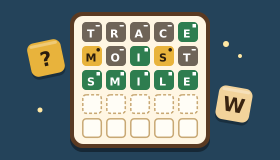 Word GuessGuess the hidden five-letter word in six tries.
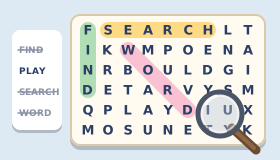 Word SearchFind the hidden words in the letter grid.
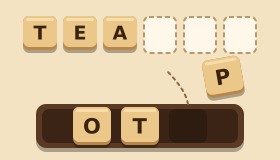 Word ScrambleUnscramble the letters to find the hidden word.
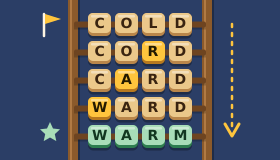 Word LadderChange one letter at a time to reach the goal word.
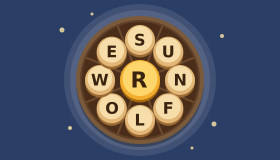 Word WheelMake words from nine letters, always using the centre one.
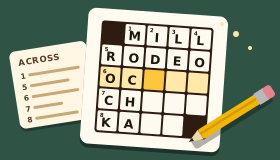 Mini CrosswordA new 5×5 crossword every day, with friendly original clues.
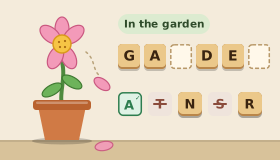 HangmanGuess the word letter by letter before the flower loses its petals.