Free online games for seniors
Everything on GamesBento was made with older players in mind, so think of this page as a friendly way in. Here is our pick of the best free games for seniors, sorted into groups: the easiest ones to start with, word games, card games, puzzles to solve at your own pace, classic board games and dominoes, and a few to share with the family.
These are grown-up games for older adults, not children’s games with bigger buttons. All 35 games are free and play in your web browser on a tablet, phone or computer. There is no download, no account to make and no email to give. The cards, tiles and letters are big and clear, most games have a hint button and an undo button, and nothing in the puzzles or card games ticks down against you.
If you are looking for games to play with seniors in your family, or choosing games for an older parent or friend, these make a good start too. Many people enjoy a daily word puzzle or a hand of patience as a pleasant way to keep the mind busy, and it is easy to sit side by side and play one together.
Easiest to start
Simple rules you probably know already, and nothing to rush. These are easy games for seniors who are new to playing on a phone or tablet.
Word games
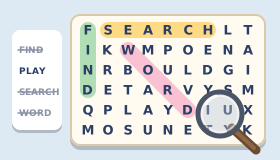
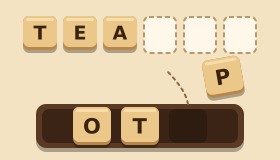
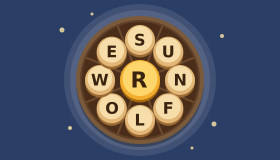
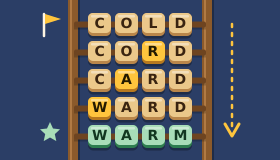
Word puzzles for seniors who enjoy a crossword: friendly everyday words, never obscure ones, with big clear letters and a new puzzle every day. Use a hint whenever you are stuck.
Card games
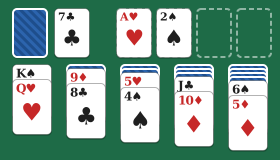
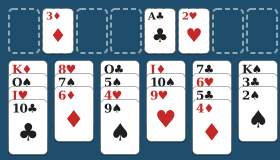
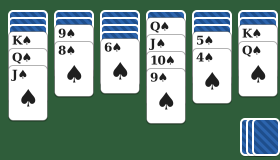
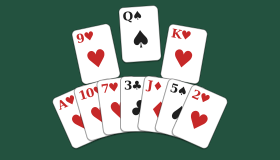
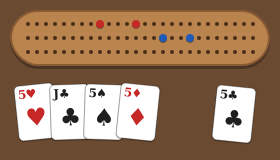
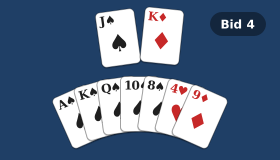
The patience and table games many of us grew up with. Large cards, undo and hints, and the computer players wait for you to take your turn.
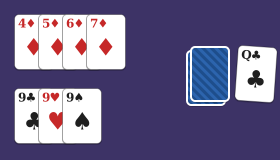
Puzzles at your own pace
Nothing counts down in any of these. Start on easy, check your work when you like, and leave a puzzle half done to finish later.
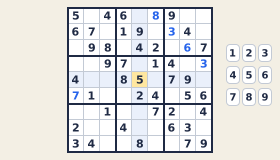
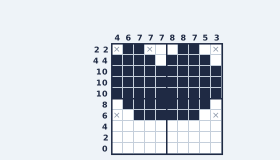
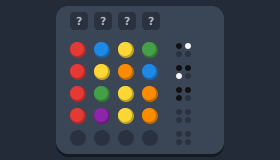
Board games & dominoes
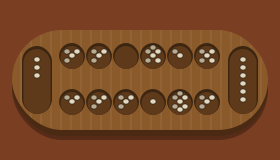
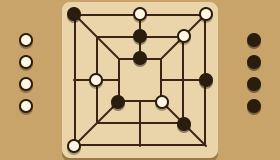
Classic board games against a patient computer player, with big pieces and a hint button if you are unsure of a move.
To share with family
Learn the rules here, then play together at the table, or solve the same daily puzzle as your children and grandchildren and compare how you got on.
How to get started
- Tap a game. It opens straight away. If you are not sure of the rules, tap How to play beside the game’s name for a short, plain guide.
- Make it comfortable. Tap Full screen to give the game the whole screen, and use the moon button at the top of the page to switch between light and dark colours.
- Turn the sound on or off. Each game has a gentle Sound on button. Your choice is remembered for every game.
- Use hints and undo. Most games have both. There is no penalty for using them, so do not be shy.
- Stop whenever you like. Your game saves on your device. Come back tomorrow and it will be waiting.
On a tablet, you can add GamesBento to your home screen so it opens with one tap, like an app. Games you have opened before will then keep working even without internet: see games without internet for how.
Questions people ask
What are the best online games for seniors?
The best ones are games you already know and enjoy. Many older players start with Klondike Solitaire, Word Search or Dominoes, then try Sudoku or the daily word games once they feel at home. Every game here is free, so it costs nothing to try a few and keep the ones you like.
Are the games really free? Do I have to sign up?
Yes, they are free, and no, there is nothing to sign up for. There is no account, no email address, no subscription and nothing to buy. You just tap a game and it starts.
Can I make the cards and letters bigger?
The pieces are already large, and every game has a Full screen button that gives it the whole screen. You can also zoom in with your browser (pinch on a tablet, or Ctrl and + on a computer), and switch between light and dark colours with the moon button at the top of the page.
Will a clock rush me?
No. The card games, board games, word games and puzzles never count down against you. The few arcade games have a gentle slow speed and a pause button.
Do the games work on an iPad or tablet?
Yes. They work in the web browser on an iPad, an Android tablet, a phone or a computer, with nothing to install. If you like, add the site to your home screen so it opens like an app.
Is there a memory game?
Yes. Memory Match is the classic pairs game: turn over two cards at a time and try to find all the matching pairs. The cards are large, and you can choose from easy to hard.
Further reading
 The Best Free Online Games for Seniors (Big, Clear and No Sign-Up)Free online games for seniors with big pieces, no timers and no sign-up: card games, dominoes, puzzles and word games, plus tips for setting up a tablet.
 Games to Play With Elderly Parents and GrandparentsIdeas for games to play with elderly parents and grandparents: classic table games, cards, dominoes, games on a tablet or TV, video calls and group games.
 Memory Games for Adults and Seniors: Free Games to Keep Your Mind BusyFree memory games for adults and seniors you can play online: classic Memory Match with big cards, plus word, card and logic games that use your memory.
 Easy Hangman Words for Seniors (With Themes and Tips)Friendly, easy Hangman words for seniors in themed lists, from the garden and kitchen to the seaside and music, with tips for running a group game.
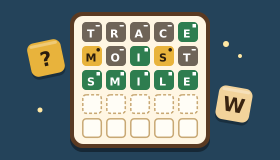 Free Word Games Online: Word Puzzles to Keep Your Mind BusyFree word games for adults, explained: word scramble, word search, word guessing, word ladders, word wheels and Hangman, with tips to get better at each.
More games to explore
Prefer something to think hard about? Try our brain games for adults. For a quiet, unhurried session, see our relaxing games. Or browse every game A to Z, and read the how to play guides for clear rules to every game.